
Ravishin'
A downloadable game for Windows, macOS, and Linux
Introduction
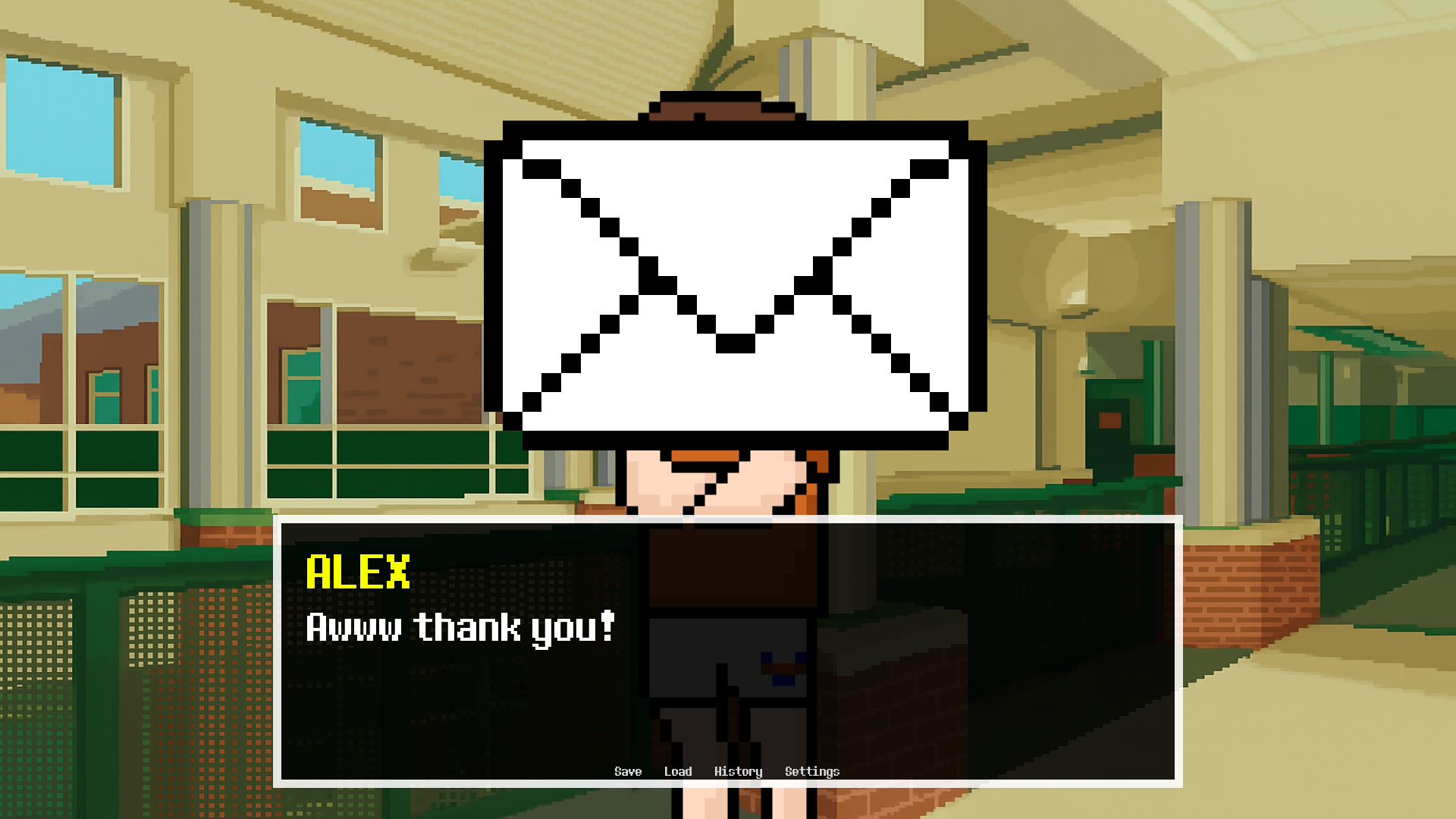
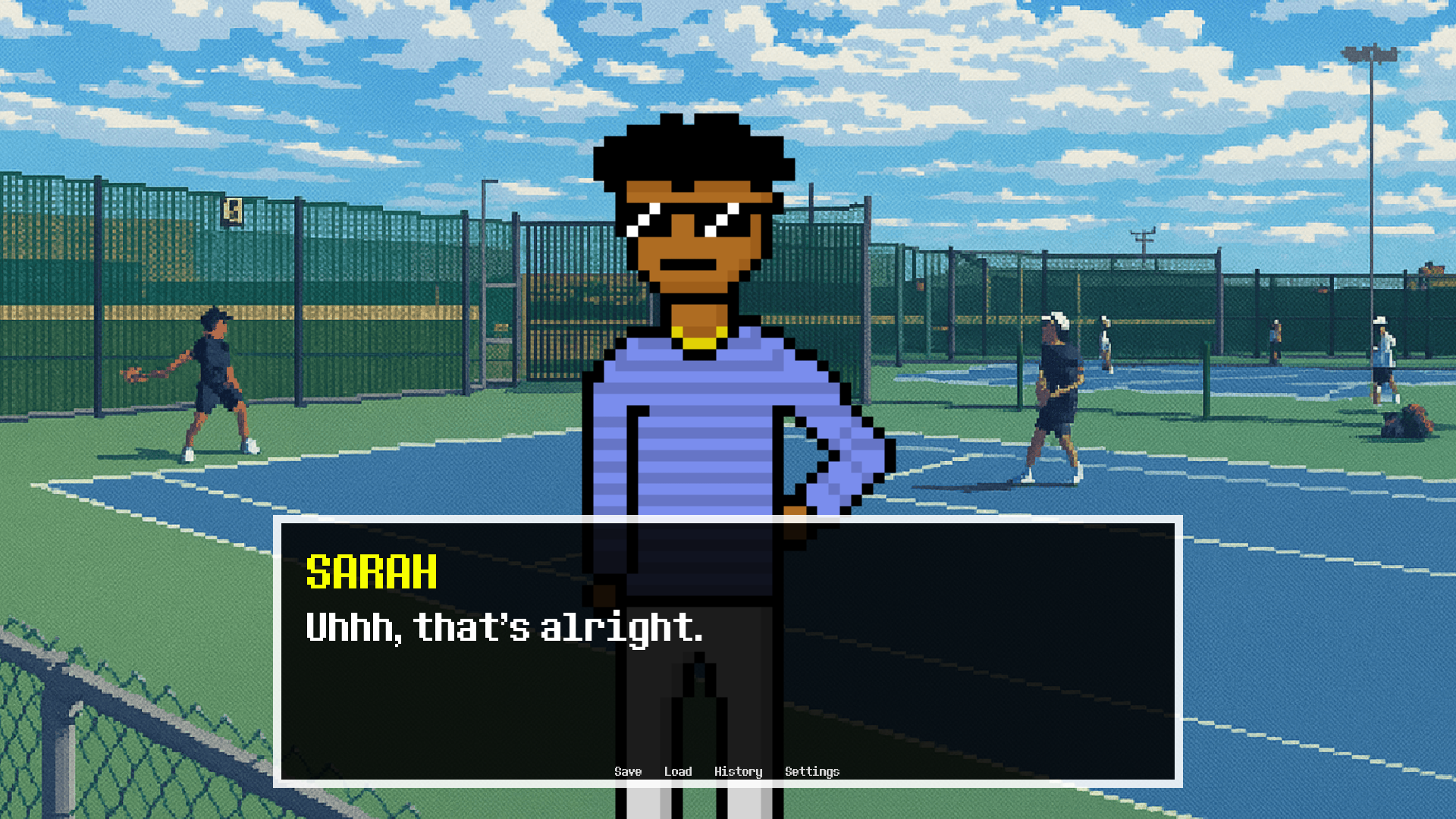
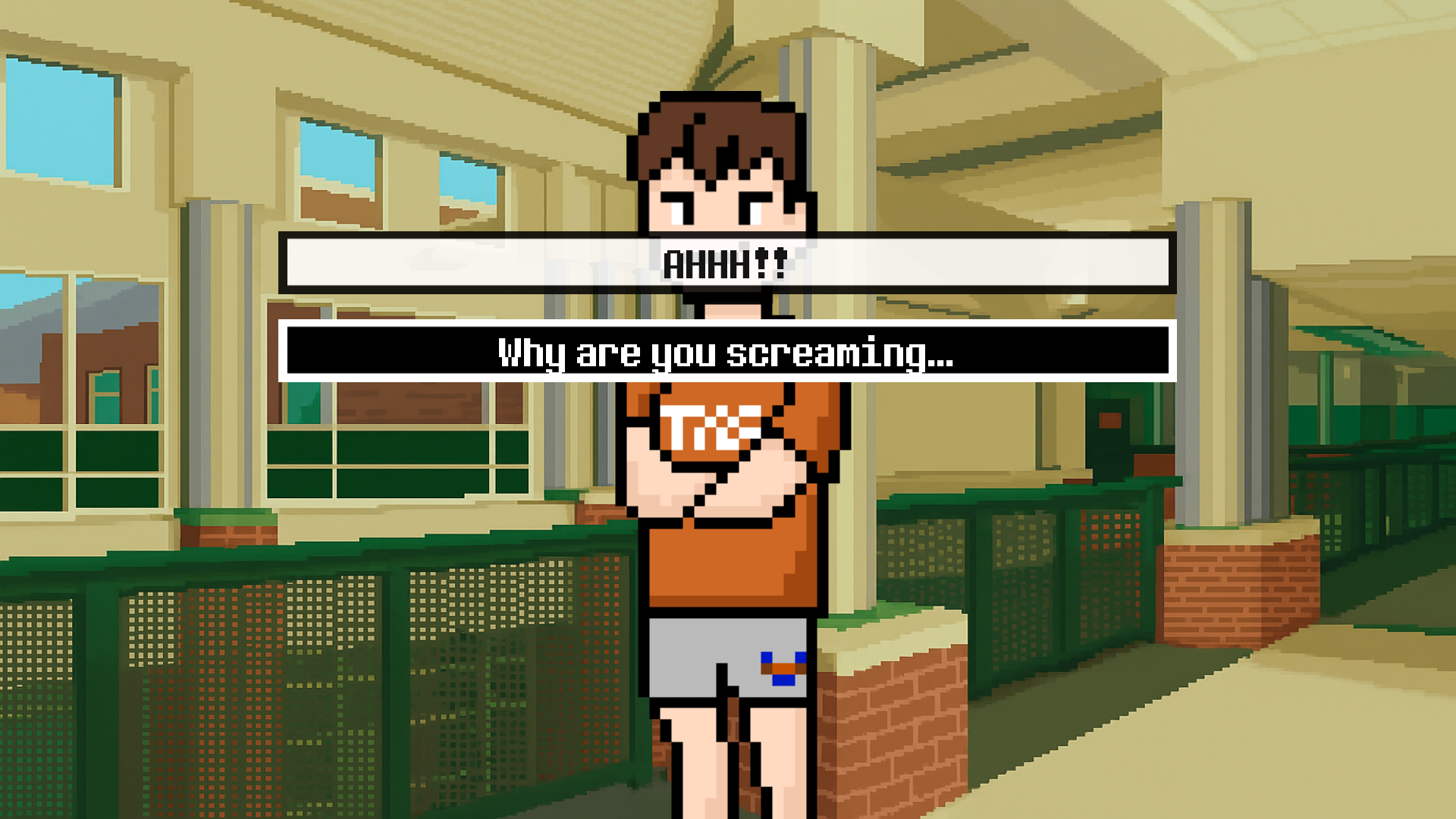
It’s your birthday, and everyone's invited! Navigate a whirlwind school day filled with friends, awkward moments, and unexpected turns. From classroom banter to late-night party vibes, you'll meet a colorful cast of characters—each with their own quirks, secrets, and surprises.
Pick your responses, make memories, and see how your choices shape the day. After all, birthdays only come once a year… and this one might just be unforgettable.
Gameplay
RAVISHIN' is a narrative-driven visual novel with a twist. You'll explore a single wild day that spirals from chill school chatter to... well, something else entirely.
- Choice-Based Dialogues
Shape your personality and relationships through branching conversations. Will you be empathetic, sarcastic, or brutally honest?
- Turn-Based Encounters
Some conversations hit different. Literally. Engage in sequences with dramatic flair, full of emotion and meaning.
- Deduction & Discovery
Piece together what's really going on through subtle clues, player-driven choices, and surprising character moments. Pay attention, your friends may need your help.
Download
Install instructions
1. Download the Game
-
Choose the correct file for your computer:
-
Mac:
RAVISHIN'-1.0-mac.zip -
Windows:
RAVISHIN'-1.0-pc.zip<br>
-
2. Extract the Files
-
Windows:
-
Right-click the downloaded
.zipfile. -
Choose "Extract All..." and pick where you want the folder to go.
-
Open the extracted folder.
-
-
Mac:
-
Double-click the downloaded
.zipfile. -
This will automatically create a new folder in the same location as the zip file.
-
Open that folder.
-
3. Run the Game
-
Windows:
-
Inside the extracted folder, double-click
RAVISHIN'.exe(it may just show asRAVISHIN'with the Ren’Py logo).
-
-
Mac:
-
Inside the extracted folder, double-click
RAVISHIN'.app. -
If you see a warning saying the app is from an unidentified developer:
-
Right-click (or Control-click) the app.
-
Select Open.
-
Click Open again in the popup.
-
-
4. Enjoy the Game!
-
No installation beyond extraction is required — just unzip, run, and have fun.
⚠ Troubleshooting
-
If the game won’t open, make sure your OS allows running apps from non-App Store developers (Mac: check System Settings → Privacy & Security).
-
Keep all files in the same folder as the game executable — moving them separately may cause errors.

Comments
Log in with itch.io to leave a comment.